Replacing a Toniebox Battery (2026)
3 min read
Toniebox on the fritz! Stop. Do not buy a new one. It's probably the battery. Kids love their Tonieboxes these days, but the batteries seem to go bad a lot quicker than they should — ours would barely make it through a car ride before dying, even after sitting on the charger all night.
The good news is that this is one of the easiest repairs you'll ever do. One screw, no soldering, about ten minutes.
What you need
- Your hands
- A Phillips screwdriver
- A replacement battery — this one on Amazon is the one I used
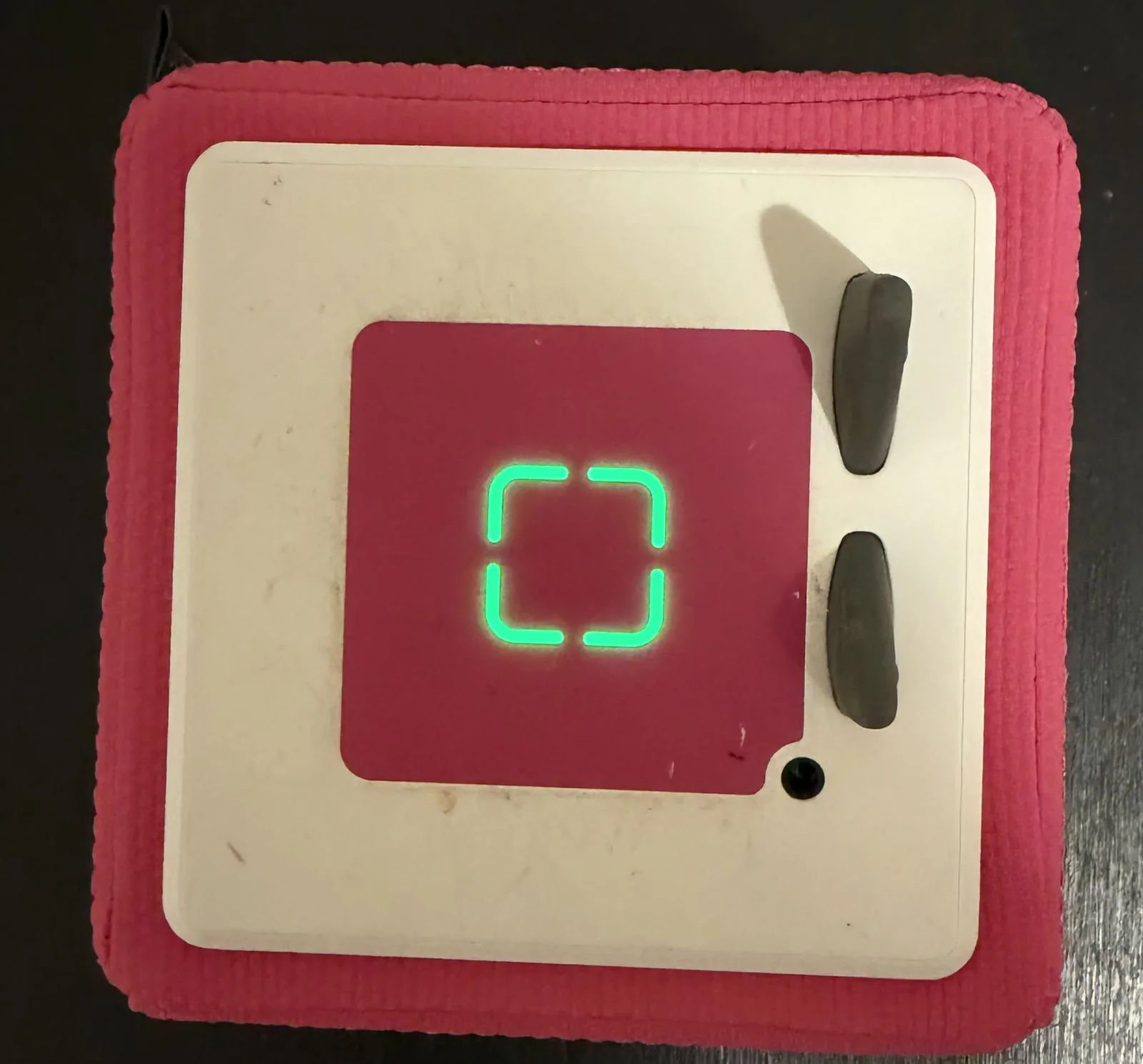
Opening the box
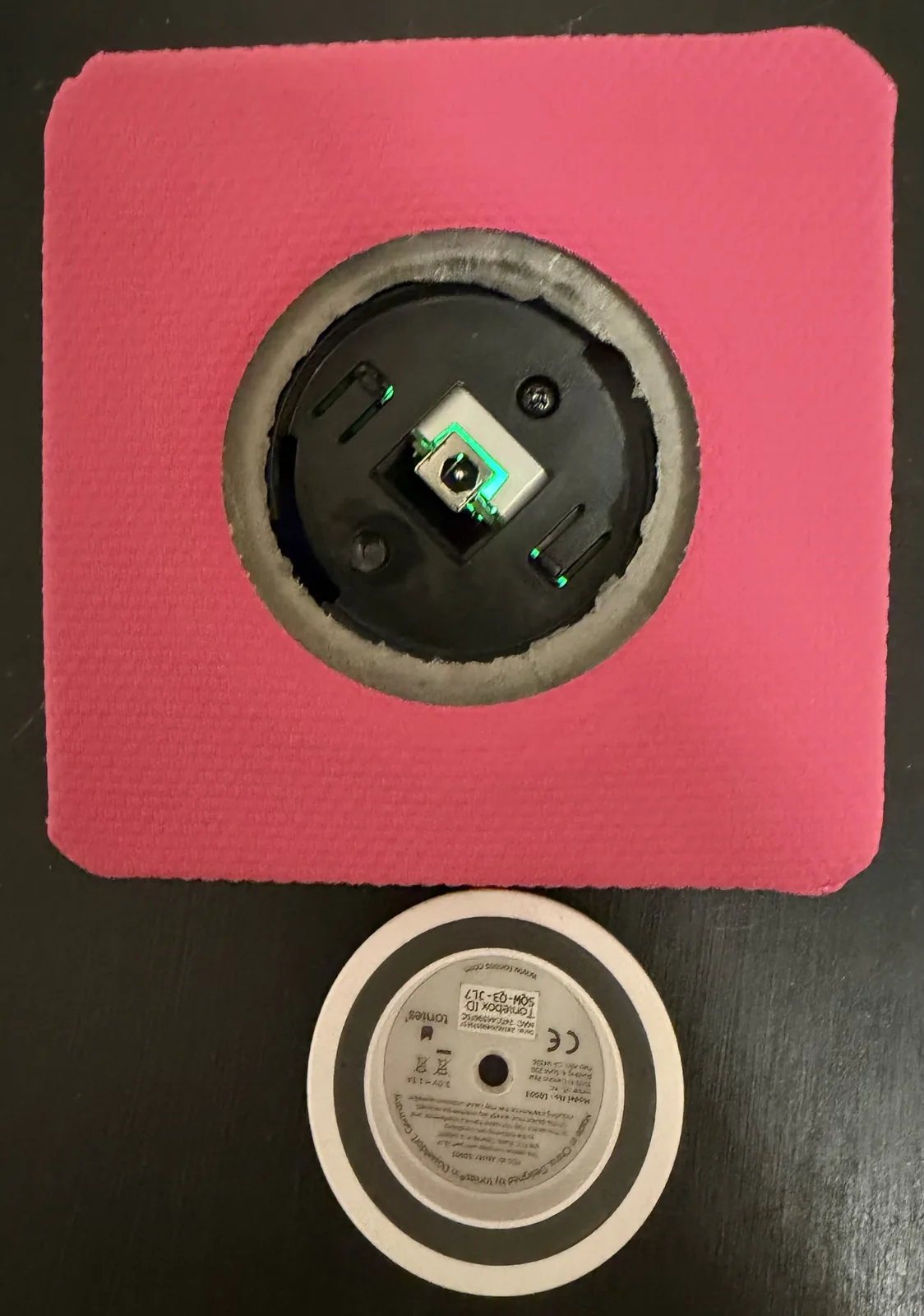
Set the Toniebox on a flat surface, put the palm of your hand on top, then push down and twist counter-clockwise. You'll hear some clicking and popping — that's normal — and the bottom cover with the charging contacts will come loose. Pull it off.
Underneath there's a single Phillips screw. Back it out and slide the internals out of the foam shell.
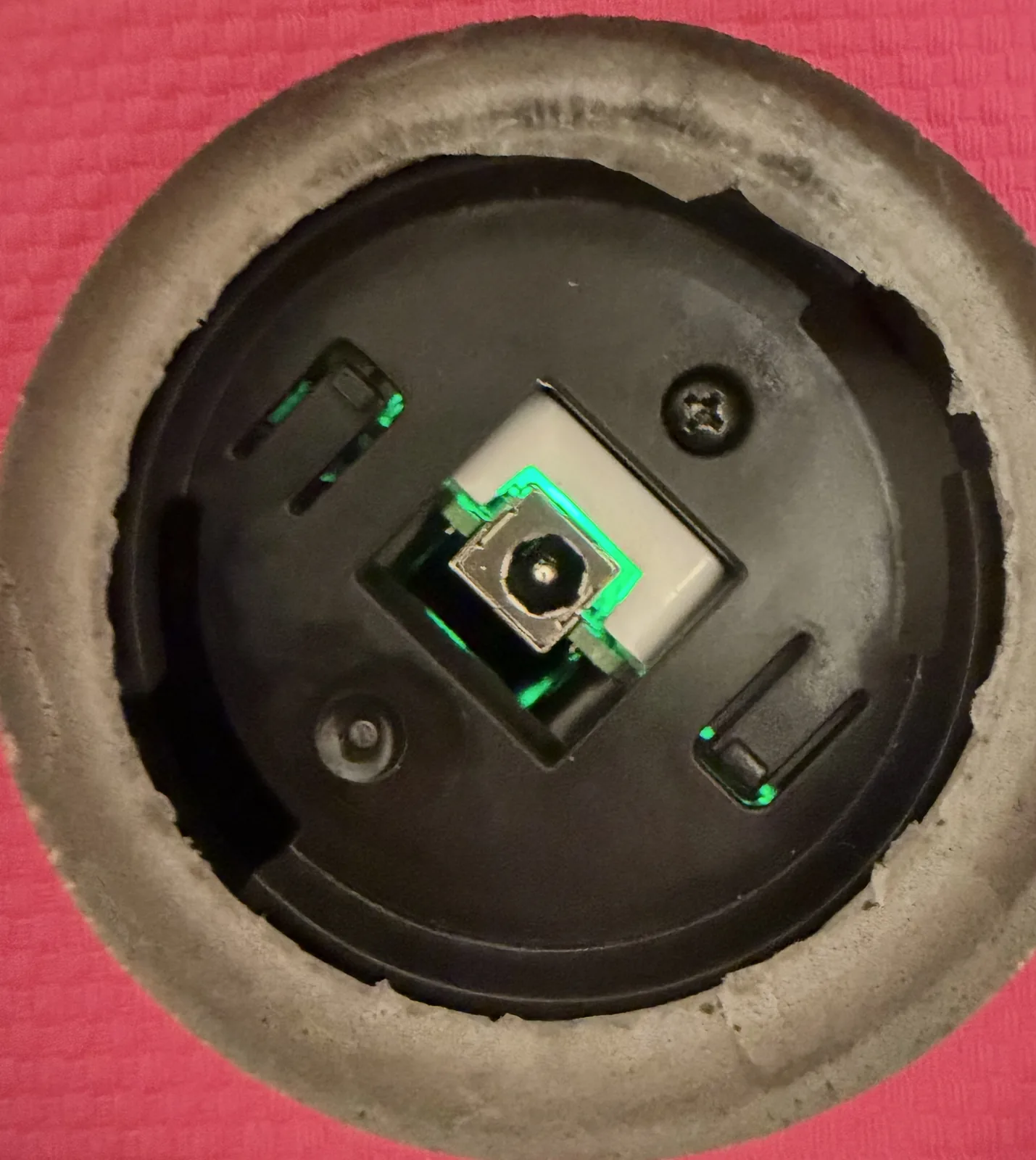
Swapping the battery
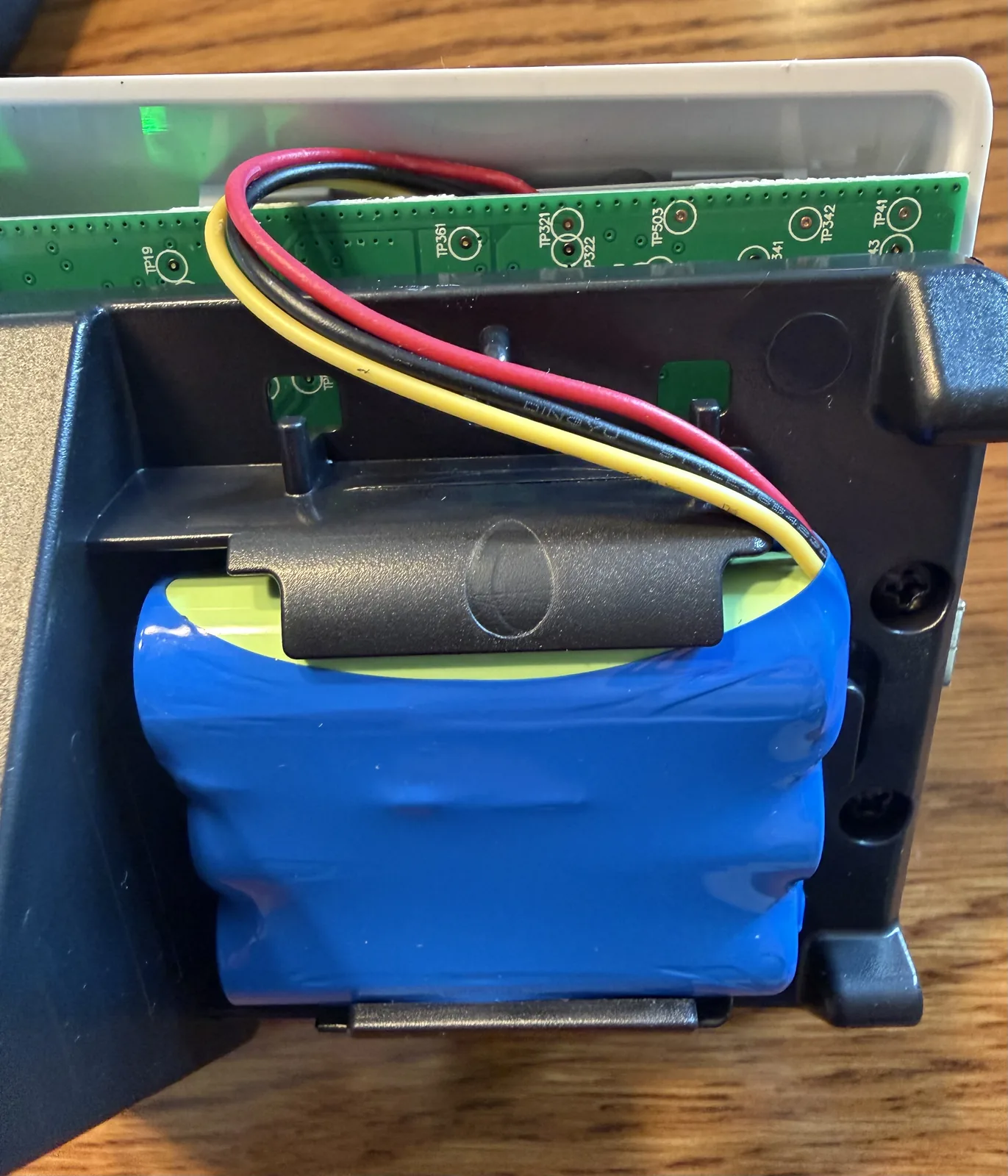
The battery is right there in the open, held in by a couple of plastic clips, with its wires running over to a small white jumper on the board.
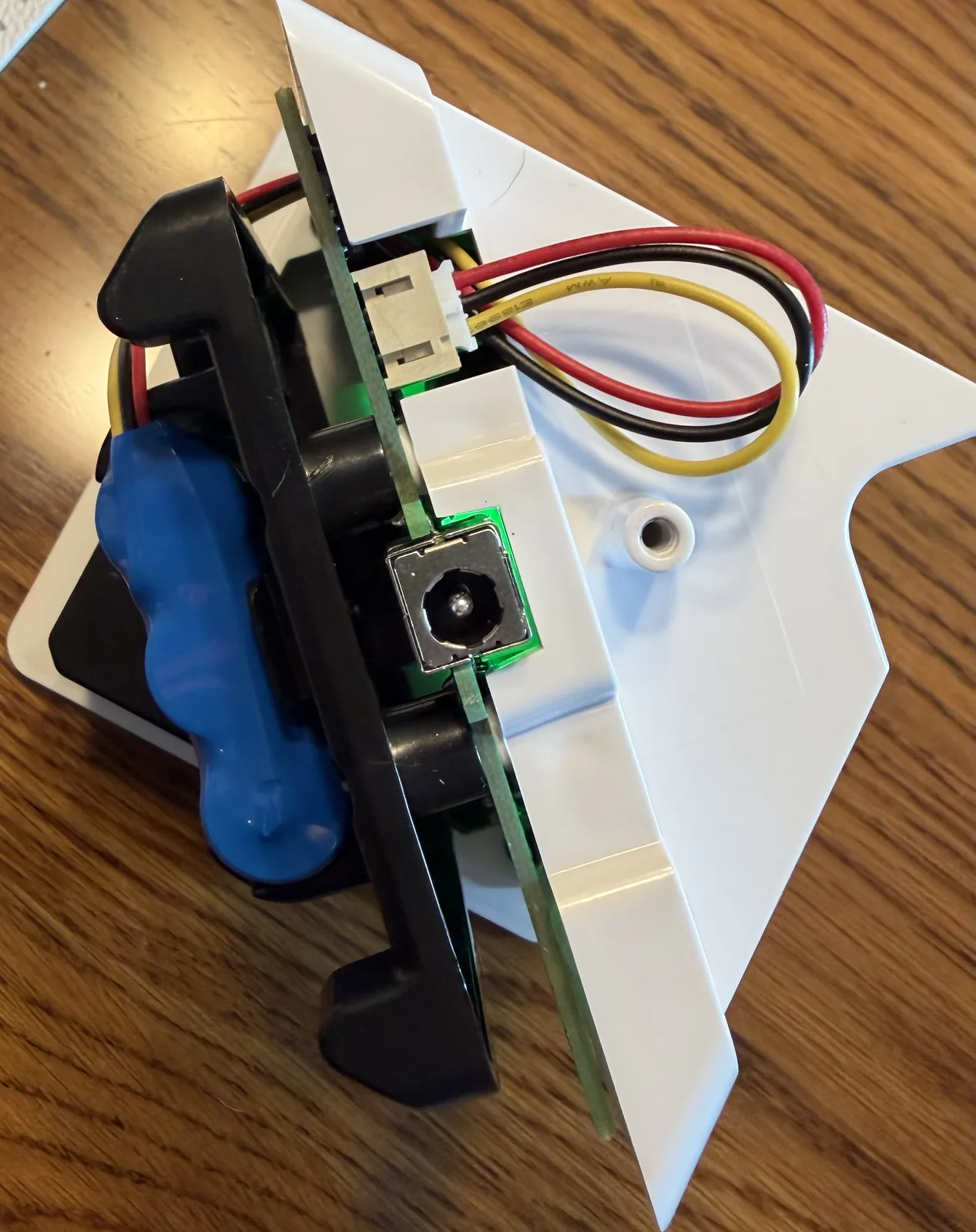
Pop that jumper off first. You can pull carefully on the connector — not the wires themselves, if you can help it — or gently pry it up with a small flathead. Then pop the old battery out of the clips and press the new one in.
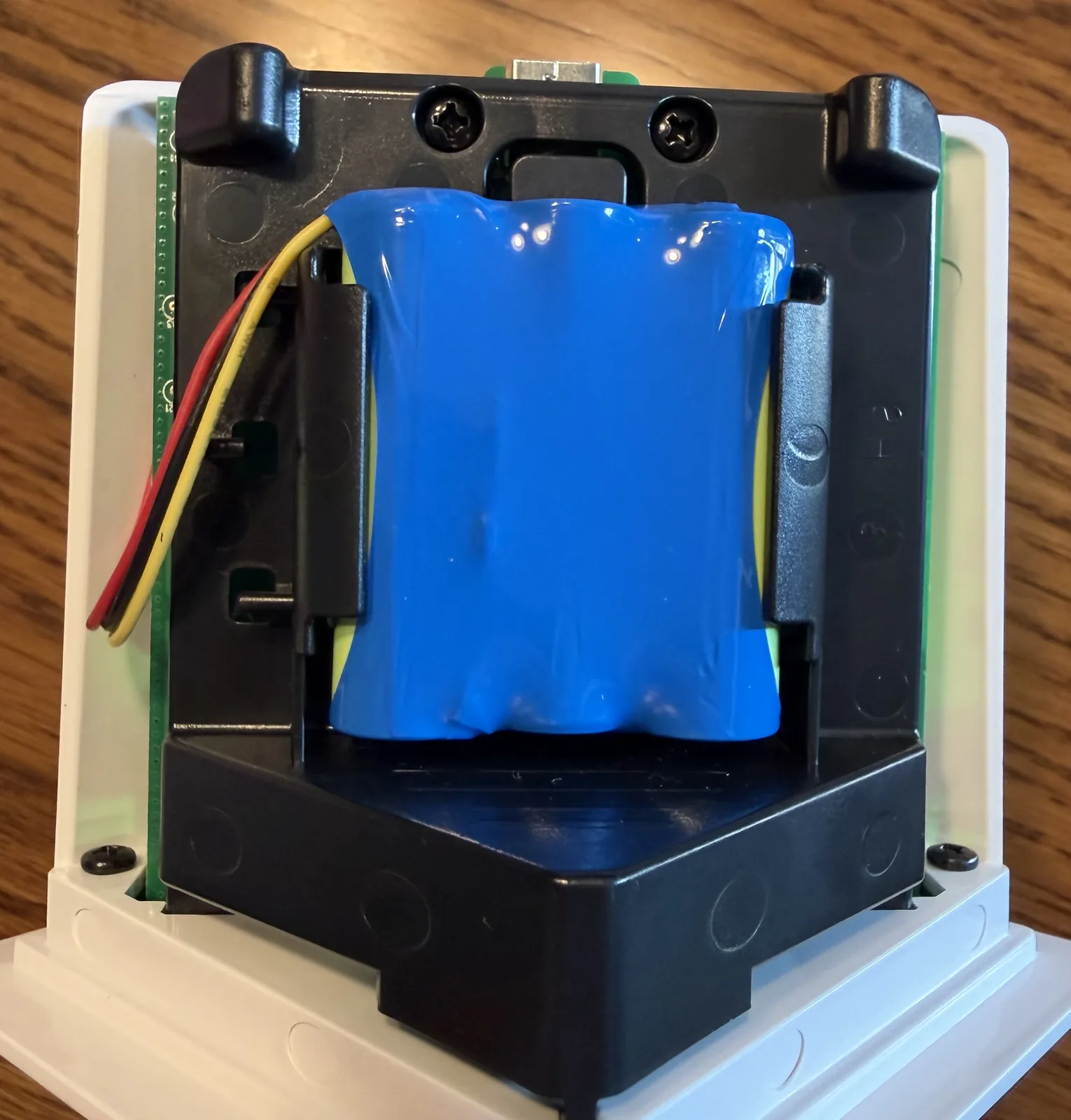
Route the new battery's wire around the side the same way the old one ran, so it has enough slack to reach the jumper, and push the connector back on until it seats.
Putting it back together
Slide the internals back into the shell, put the Phillips screw back in, and set the bottom cover in place. Stand the box on a flat surface again and twist clockwise this time to lock the cover down. Charge it up and you've got a Toniebox that lasts all day again.
What you'd get from a Toniebox 2 instead
If you'd rather put the money toward new hardware, the second-generation box does fix most of the original's annoyances:
- USB-C charging instead of the proprietary dock (why was a proprietary dock used in the first place?)
- Around 10 hours of playtime, up from roughly 7
- 32GB of onboard storage instead of 8GB
- Retuned speaker and a dynamic light ring
- Bluetooth for headphones
- Sleep timer and sunrise alarm for bedtime
- Works with all your existing Tonies
We went with a Yoto Player instead
All of that is genuinely nice, but we'd already replaced the battery for a few bucks, and the thing that actually bugged us about the Toniebox was the cost of the figurines piling up. So when we did buy a second player, we went with the YOTO Player (3rd Gen.) instead.
The cards are cheaper than Tonies, it has a little pixel display, a clock and night light, and you can load your own audio onto blank cards.
I feel like I should do some cybersecurity research on these devices, but who has time for that these days? lol
Fix the battery, buy the Yoto, skip the $100 upgrade.